The BevCounter Phone App: A Drink Counter That Lives on Your Bar
A first look at the BevCounter app for iPhone and Android, coming soon: mount a phone at the bar and it counts bottle pick-ups and pours all shift, with the AI running on the phone.
The short answer: the BevCounter phone app, coming soon for iPhone and Android, turns a phone mounted at the bar into a dedicated drink counter. It uses the phone's back camera to count bottle pick-ups and pours, runs its AI on the phone itself, never uploads video, and keeps a history you can export. Until it's in the app stores, you can count today with the BevCounter web app in your phone's browser.
Key takeaways
A native app for iPhone and Android, built for a phone that stays at the bar all shift.
Counts bottle pick-ups, and pours (in beta), using the back camera.
The AI runs on the phone. Video is never uploaded.
Faces are covered on screen, so the live view shows hands and bottles, not who is standing there.
Every count is saved on the phone and can be exported as a CSV file.
Uses the same BevCounter account and plan as the web app.
Why a phone app, when the web app already works on phones?
The web app works in a phone's browser, and it's the fastest way to try BevCounter. But a browser tab isn't built to run for eight hours straight. Phones dim the screen, browsers pause background tabs, and a mis-tap can close the page mid-shift.
A native app can do better:
It keeps the screen awake while counting, so the phone doesn't lock halfway through service.
It uses the phone's own AI hardware more directly, so counting keeps up on mid-range phones.
It feels like a tool, not a web page: open it, tap start, and leave it.
Old phones are the perfect candidate. That handset in the office drawer, with its cracked screen, is now a drink counter.
How it works
The phone app uses the same models and counting rules as the web app, adapted to run natively on the phone:
Pose. A pose model finds the bartender and their wrists in each camera frame.
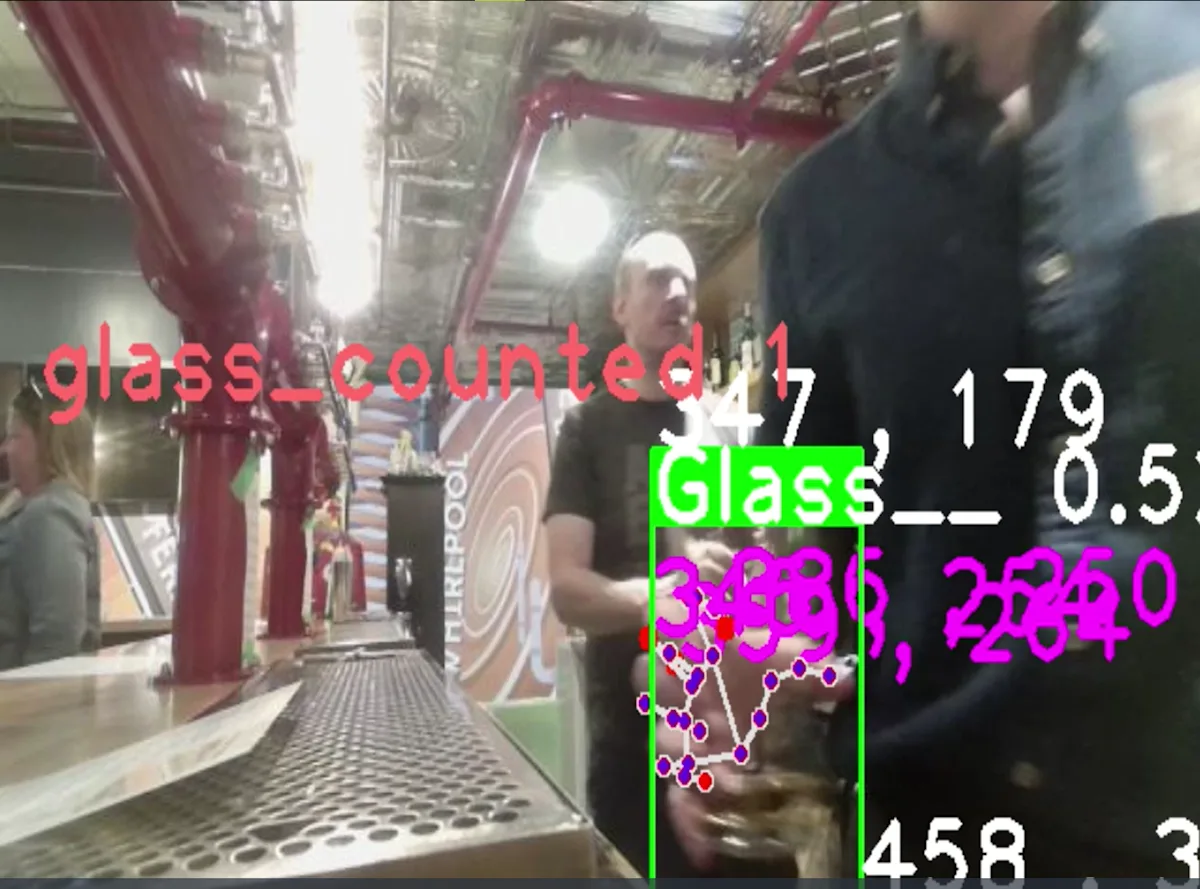
Hands. A second model checks the area around each wrist and decides whether that hand is holding a bottle or glass.
Counts. Holding for half a second counts as a pick-up, and a pick-up ends after 1.5 seconds without holding, so a brief miss doesn't count twice. A small motion model counts pours, which is in beta.
If the phone can't analyse every frame, it simply analyses fewer of them rather than falling behind, so counting stays in real time on slower phones.
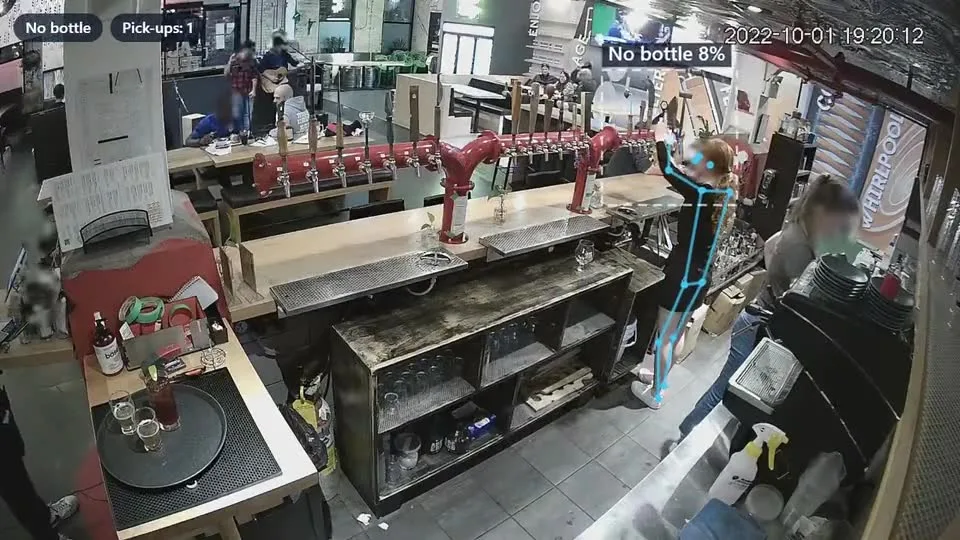
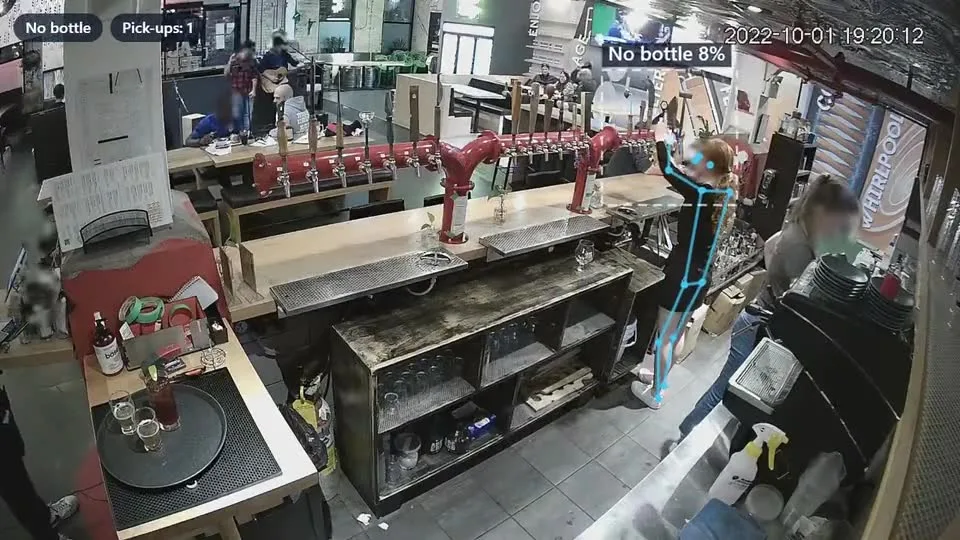
On screen you'll see the bartender's skeleton and a box around each wrist, which turns green when the hand is holding something. Faces are covered in the live view. Nothing is recorded or uploaded: the app keeps counts, not footage.
What you get
Live counting from the back camera, with the overlay showing what the counter sees.
History on the phone. Every pick-up is saved as it happens, grouped into one session per counting run.
CSV export through the phone's share sheet: email it to yourself, save it to Files or Google Drive, or open it in a spreadsheet.
Your account and plan in the app, with sign-out.
Signing in and plans
The app uses your bevcounter.com account. You sign in through the same secure sign-in page as the website, so every sign-in method you use there works in the app.
Accounts and plans are set up on bevcounter.com, not in the app. Any active Bronze, Silver or Gold plan includes the phone app, at no extra cost.
Setting a phone up at the bar
Mount it. A cheap phone clamp or a shelf mount keeps the camera steady. A phone propped against a bottle will get knocked over on a Friday night.
Plug it in. Counting uses the camera and the processor continuously. Run a charging cable to the mount.
Frame the station. The back camera should see the bartender's hands and the bottles they reach for: the well, the speed rail, the back bar. Side-on or slightly above works best.
One phone per station. Each phone counts what its own camera sees.
Tell your staff what it's for before it goes up. See our guide to counting drinks with a camera fairly and legally.
What it needs
Android: Android 9 or later, on a phone with Vulkan graphics support (most phones from the last several years).
iPhone: a recent iPhone. We'll publish the minimum iOS version with the App Store release.
An internet connection to sign in. Counting itself runs on the phone.
When can I get it?
The phone app is in final testing before it goes to the App Store and Google Play. We'll announce it here on the blog when it's available on the App Store and Google Play.
In the meantime, you don't have to wait: open manage.bevcounter.com in your phone's browser and count with the web app today. Your account, plan and way of working will carry straight over.
FAQ
Will the app cost extra? No. It's included with every BevCounter plan.
Can I buy a plan in the app? No. Plans are chosen on bevcounter.com, and you sign in to the app with that account.
Does it upload video? No. The AI runs on the phone and only the counts are kept.
Can I use an old phone? Usually yes, as long as it meets the requirements above. Older phones analyse fewer frames per second but still keep up in real time.
Are counts shared between the phone and the web app? Not yet. Each device keeps its own history; export a CSV from each.